
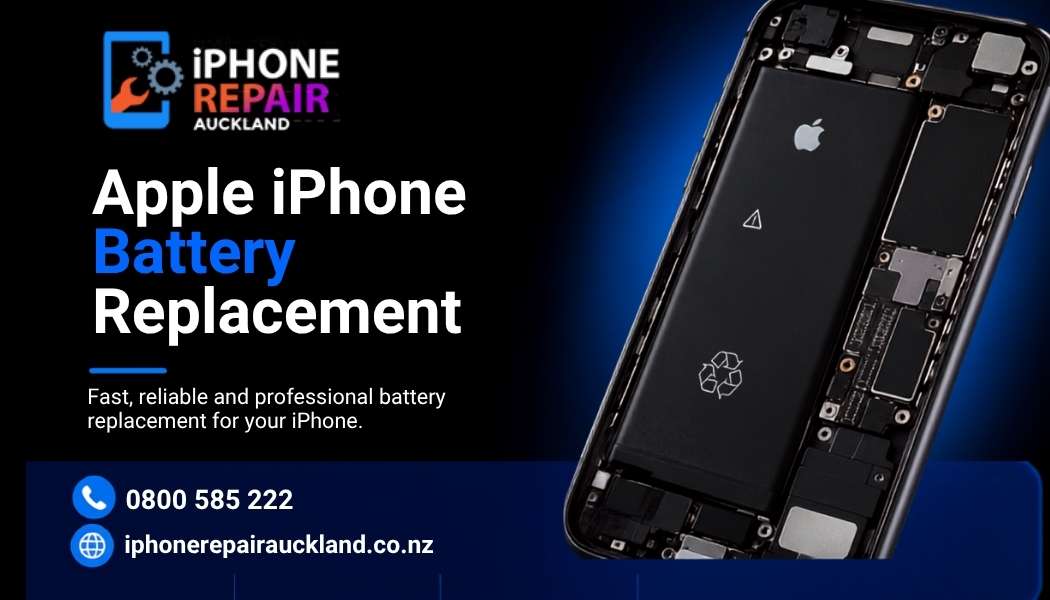
Keeping your iPad and Apple iPhone powered all day is essential, and once the battery life starts dropping, it can just mess with work, study, and entertainment. iPhone Repair Auckland is all about quick, reliable iPad battery replacement plus Apple iPhone battery replacement, so your device is back to normal sooner. If your phone or tablet shows fast drain, random shutdowns, or that uneasy swollen battery look, get a professional replacement, it helps you avoid extra damage
Modern iPads and Apple iPhones depend on battery health to handle performance and keep the device running longer. When the battery gets degraded, runtime shrinks, and the system may throttle processing to safeguard the hardware. If your iPad or iPhone seems to lose charge earlier than it used to, or it won’t hold a charge for more than a few hours, yep, those are the signs pointing toward iPad battery replacement or Apple iPhone battery replacement. And if you ignore it, swelling can happen, which can lift screens and damage internal parts, so acting early really counts
When you bring your device to iPhone Repair Auckland, technicians usually do a battery health diagnostic, then check for related problems before they recommend either an iPad battery replacement or an Apple iPhone battery replacement. Solid repair shops handle careful disassembly, use quality replacement cells, and then run post-repair testing so the device charges right and holds the expected capacity. Many Auckland repair places can often do the replacement the same day, so you don’t get stuck without your device
Look for a repair center that offers clear diagnostics and technicians who know Apple devices. iPhone repair Auckland gives local know how with safe battery replacement and device testing. Ask where the battery is sourced from, and check the warranty terms after your Apple iPhone battery replacement or iPad battery replacement. Good shops back the job with short-term guarantees, and that matters. If they mention same-day service and give realistic timing up front, you can plan better and avoid long interruptions
After an iPad battery replacement or Apple iPhone battery replacement, try calibrating the battery. Let the device charge to full, then use it until it drops to around 10–20% before charging again. This helps the system update the charge reporting. Stick with original or certified chargers, and avoid extreme temperatures to protect the newly installed battery’s health. And if you spot charging oddities or abnormal heat after the repair, contact the repair centre fast for follow-up checks
A timely iPad battery replacement or Apple iPhone battery replacement helps your device stay dependable for work, studying, and entertainment without those annoying interruptions. For Auckland customers who want fast, professional service, iPhone Repair Auckland is a local option with experience diagnosing and replacing batteries for both iPads and Apple iPhones. Reach out to your local experts, book a diagnostic, and get back to uninterrupted use






Stay up to date with Latest blog articles


